




Smart Product Filter
$11.70
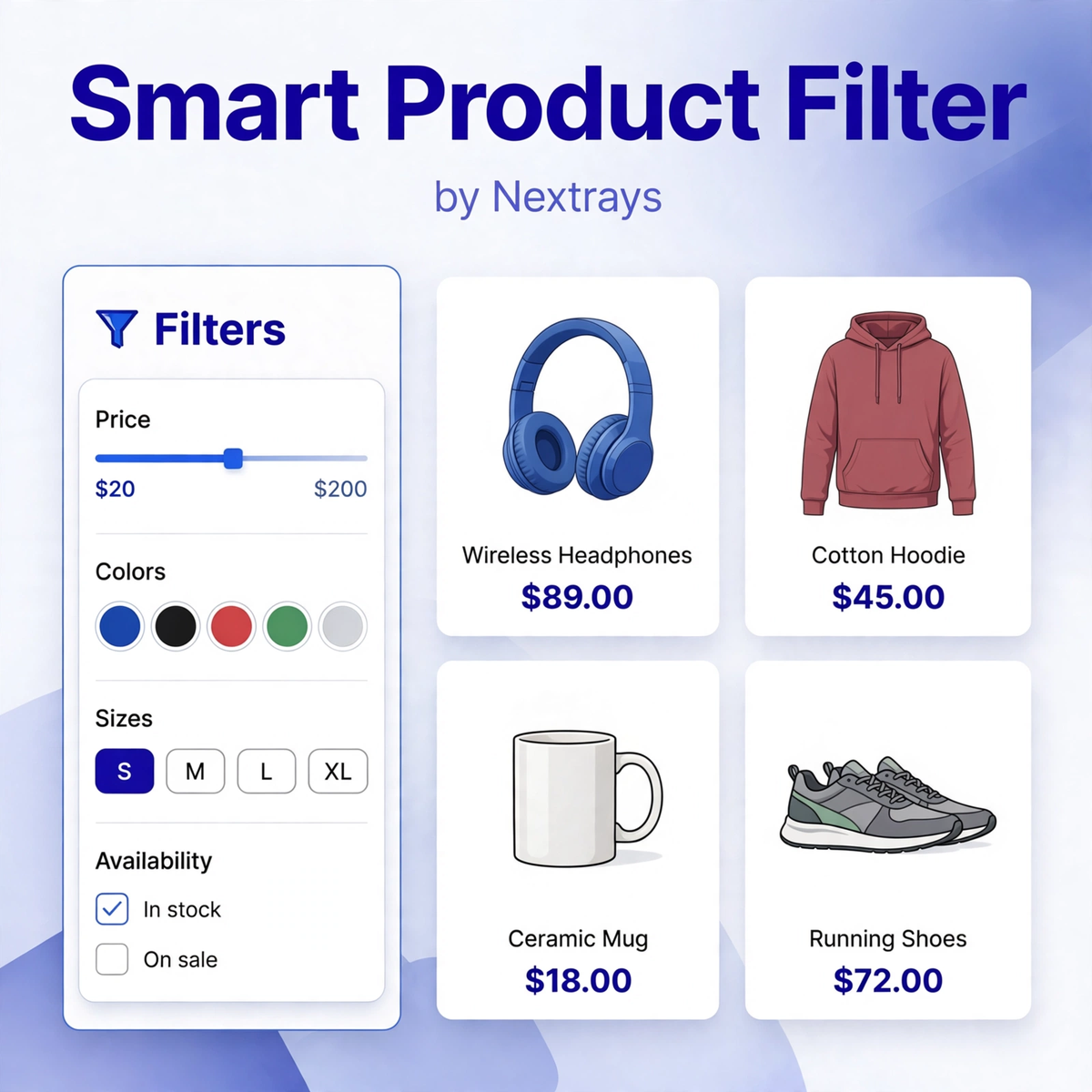
Instant AJAX product filtering for WooCommerce. Categories, price slider, colour swatches, size buttons, tags, brands, ratings, stock, on-sale, featured and keyword search — with SEO-friendly URLs, a mobile slide-in drawer, a shortcode, a classic widget and a Gutenberg block. No page reloads, HPOS compatible. By Nextrays. Powered by nextrays.com.
Description
Smart Product Filter turns any WooCommerce shop into a store shoppers can actually browse. Every filter updates the product grid instantly over AJAX — no page reload, no waiting — and the browser URL updates with each choice, so filtered views are shareable and bookmarkable.
What shoppers can filter by
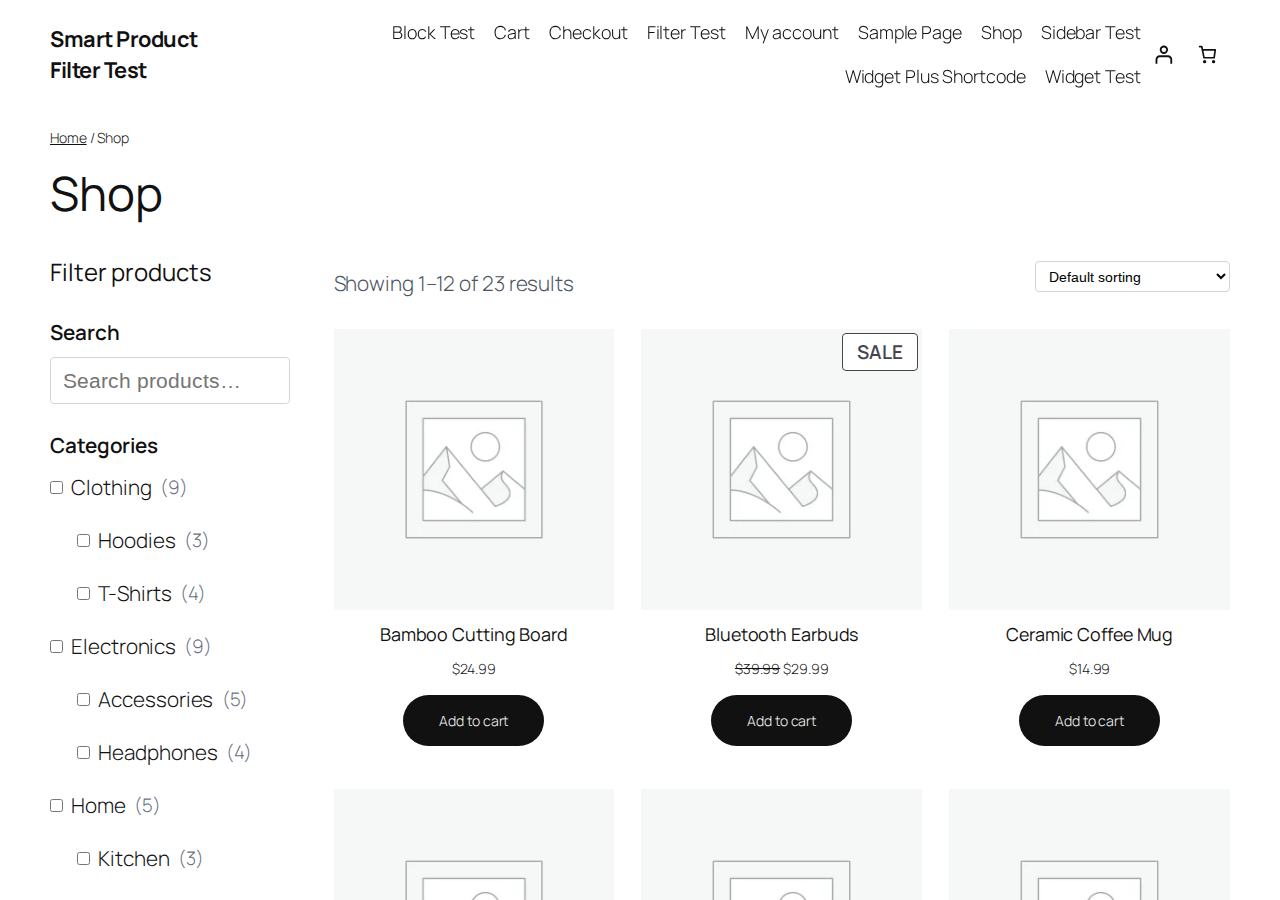
- Categories — hierarchical, with per-category product counts
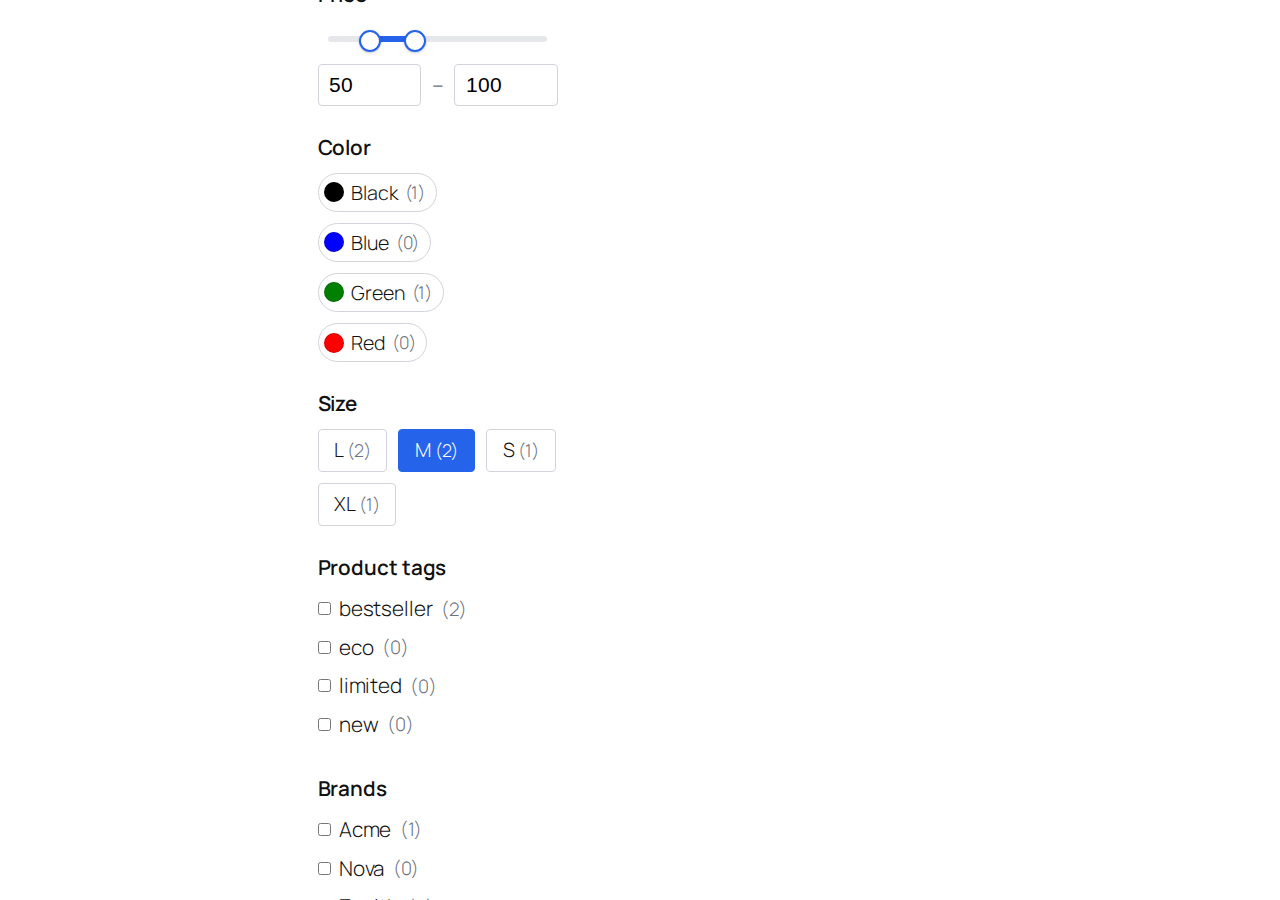
- Price — dual-handle range slider plus min/max inputs
- Attributes — colour swatches for colours, toggle buttons for sizes, checkboxes for everything else
- Tags and brands — including a built-in Brands taxonomy (Products > Brands) with its own filter group
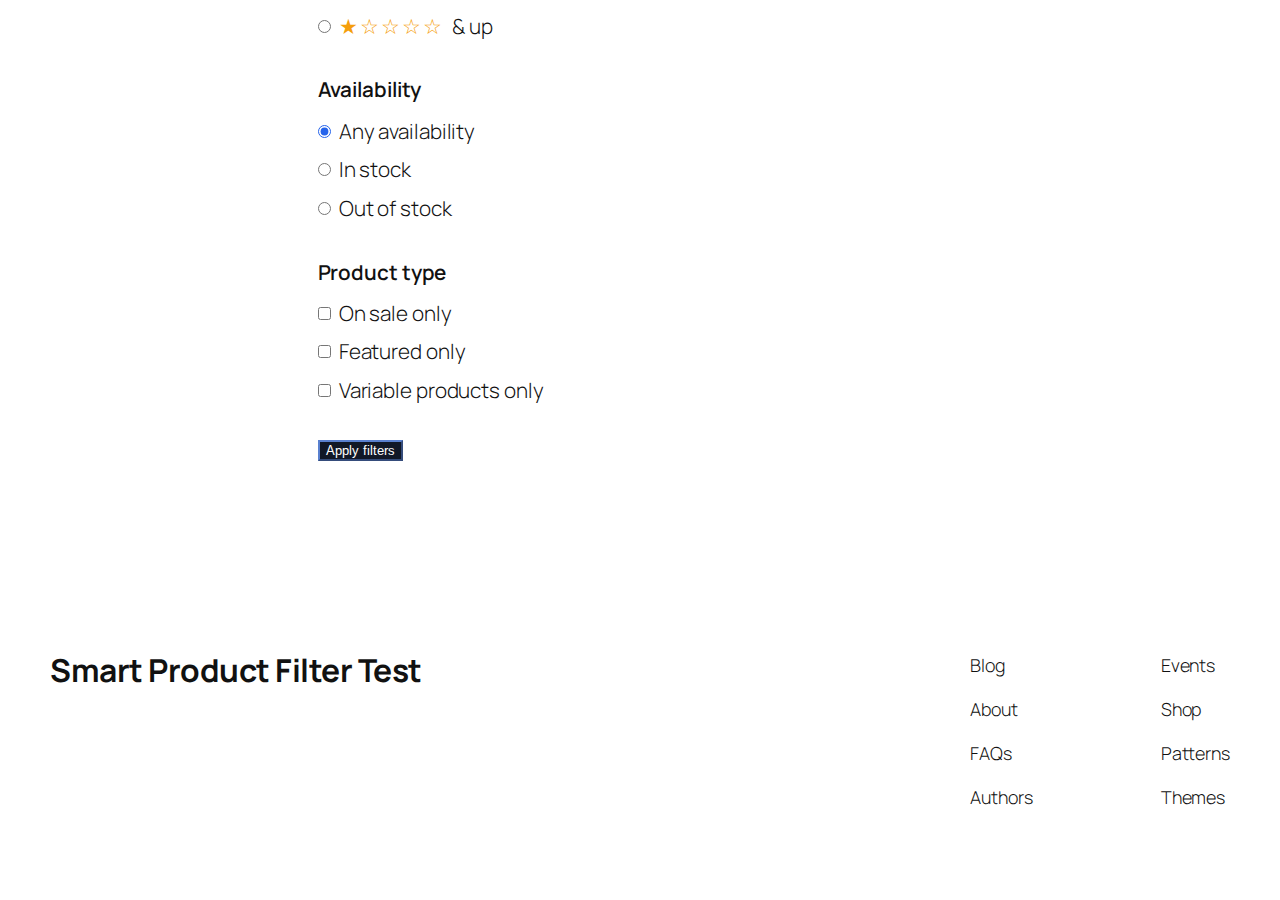
- Ratings — minimum 1–5 stars
- Availability — in stock / out of stock, on sale, featured, variable products only
- Keyword search — inside the product catalogue, debounced as shoppers type
Filters combine (category + price + size, for example), counts update live to show how many products each option matches, and every active filter appears as a removable chip above the results. A clear-all button resets everything in one click.
Sorting and pagination
Price low→high, price high→low, popularity (by total sales), average rating, newest and default order — all wired to the same AJAX refresh. Pagination loads further pages without a reload.
Four ways to show it
- Automatically on shop & archive pages — on by default; works with classic and block themes (including the Product Collection block).
- Shortcode — [smart_product_filter] with layout, per-page, columns, categories and per-group toggles.
- Gutenberg block — Smart Product Filter, with a live styled preview in the editor and Inspector controls.
- Classic widget — filters the page it sits on, or sends the visitor to the shop with the filters in the URL.
Mobile-first
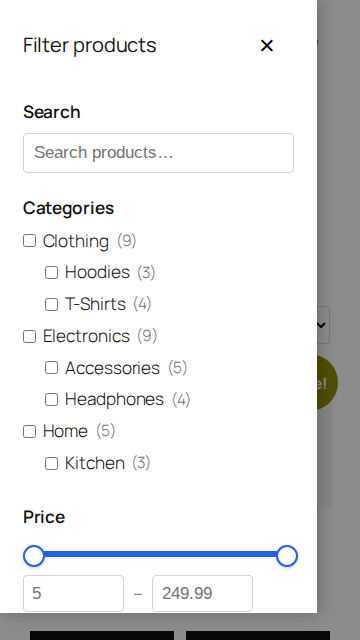
Below your chosen breakpoint the filter becomes a slide-in drawer with an overlay, an Apply button, an active-filter badge, Escape-to-close and focus return. The price slider and every filter group work inside the drawer.
Built for real stores
- SEO-friendly URLs — filters appear as query parameters; loading a filtered URL pre-applies the filters server-side, so shared links work with or without JavaScript.
- HPOS compatible — every product query goes through wc_get_products(); no direct SQL anywhere.
- Fast — term counts and the catalogue price range are cached in transients, invalidated automatically when products, terms or settings change; a manual cache-clear button is included.
- Customisable — sidebar or horizontal layout, colours, columns, results per page, custom CSS, and a settings import/export (JSON) for moving configuration between sites.
- Safe — nonces on every form and AJAX action, capability checks, sanitised input and escaped output throughout.
Requirements
- WordPress 6.0+ (tested on WordPress 7.1.4)
- WooCommerce 8.0+ (tested on WooCommerce 11.3.0, HPOS enabled)
- PHP 7.4+
The plugin requires WooCommerce: until it is active, the frontend features stay off and an admin notice explains why.
Licence
Personal Use — one buyer / one site licence; no resale, no redistribution, no sharing of files.
Smart Product Filter — by Nextrays. Powered by nextrays.com.
Installation
- Download smart-product-filter.zip after purchase.
- In WordPress, go to Plugins > Add New > Upload Plugin, choose the ZIP and click Install Now, then Activate.
- Go to Smart Filter > Settings and confirm the filter groups. The filter appears on your shop automatically.
- Optional: add [smart_product_filter] to any page, insert the Smart Product Filter block, or drop the widget into a sidebar.
No database tables are created. Uninstalling removes the plugin’s settings and caches; brand terms (store content, like categories) are kept.
FAQ
Does it work with block themes? Yes. It is tested with Twenty Twenty-Five and the Product Collection block, including zero-result archives — the filter stays visible and usable there.
Does it work with HPOS (WooCommerce’s custom order tables)? Yes. All product queries go through wc_get_products(); the plugin runs no direct SQL.
Will it slow my shop down? Filter requests bypass page caches by design (they are AJAX), and term counts plus the catalogue price range are cached in transients with automatic invalidation.
Can I change the colours and layout? Yes — the Appearance tab controls layout (sidebar/horizontal), grid columns, accent colour, button colours and chip colour, plus a custom CSS box on the Advanced tab.
Can shoppers share a filtered view? Yes. The URL updates as filters change (toggleable in settings), and loading a filtered URL pre-applies the filters server-side.
Does it include an Elementor widget? Not in this version — the shortcode and the Gutenberg block both work inside Elementor-built pages.
What happens if WooCommerce is deactivated? The plugin shows an admin notice and its frontend features stay off until WooCommerce is active again. Settings are preserved.
Changelog
1.0.0 — Initial release. AJAX filtering on shop/archive pages, shortcode, widget and Gutenberg block; 12 filter groups; 6 sort options; faceted counts; active-filter chips; SEO URLs; mobile drawer; settings import/export; HPOS compatible.


Reviews
There are no reviews yet.